Stop Hunting.
Start Auditing.
A power-focused Chrome Extension to instantly find, analyze, and document every Flow, Trigger, and Validation Rule in your Salesforce Org.

Powerful Features for Pros.
Everything you need to master your Salesforce Org's automation footprint in one clean interface.
Real-time Automation Hunting
Instantly scan current records to find associated Flows and Workflows. No more digging through setup menus or searching through hundreds of automation rules manually.

Smart Logic Discovery
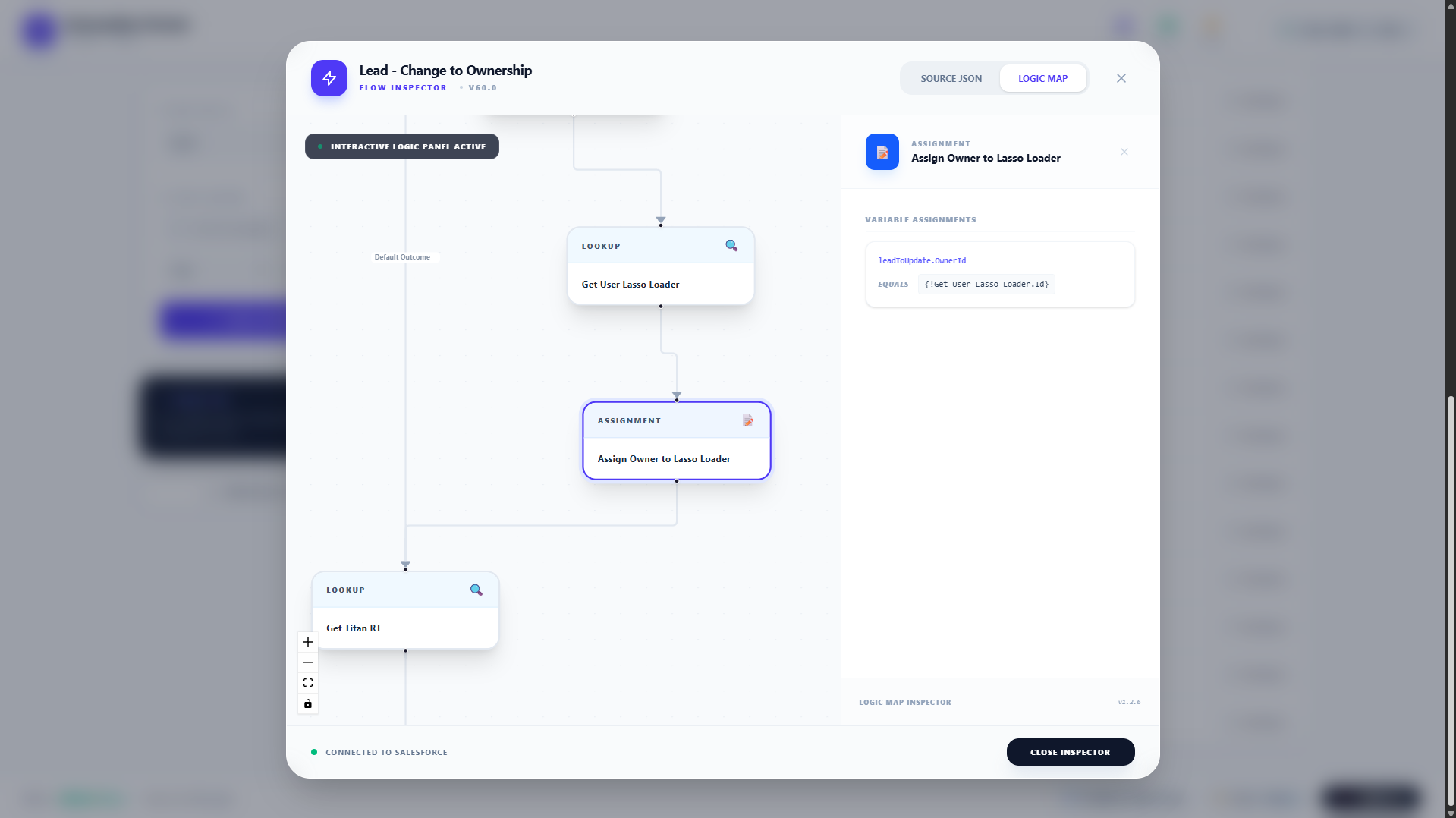
Deep analysis of logic components. View entry criteria, flow versions, and active statuses directly from the side panel while you stay focused on your data.

One-Click Cleanup
Identify unused or redundant automations that slow down your org. Keep your Salesforce environment lean and optimized with precise detection tools.
Instant Scan
Automatically identifies the SObject context from your active tab and pulls all related automation metadata instantly.
All-in-One Library
Audits Flows, Apex Triggers, Validation Rules, and Workflow Rules in a single, unified view. No Setup-hunting required.
Code Inspection
View Apex source code or Flow/Validation Rule metadata details without leaving your workspace using the built-in code editor.
Privacy Guaranteed
Your data never leaves your browser. All requests are authenticated via your own active Salesforce session securely.
CSV Export
Generate instant audit reports of all automations for your documentation or project stakeholder updates.
Grid & List View
Switch between a detailed list for audit or dynamic grid cards for a faster, modern overview of your components.
How to Use Hunter
3 Simple Steps to Master Your Org
Open a Salesforce Tab
Navigate to any record page or object setup in your Salesforce organization. The extension automatically syncs with your active session.
Launch Extension
Click the Automation Hunter icon in your browser toolbar. It will instantly auto-detect the object and scan for Flows, Triggers, and Rules.
Review & Document
Inspect code, filter by type, and download audit reports for your project team. High-level stats are available right in the header.
Sneak Peek.
Explore the clean, modern interface designed for high-performance Salesforce auditing.

Comprehensive Automation Listing

Direct Metadata Review

Smart Filtering & Analytics

Support the Mission
Support Independent Development
This tool is free and open to everyone. If it saves you hours of manual auditing, consider buying me a coffee to keep maintenance going!